
Installation
This page covers the standard setup path for Lexipt client and collaboration server.
1. Download Packages
Go to Downloads and select the package for your platform.
2. Install Lexipt Client
Windows
- Run
Lexipt-Client-...-Setup.exe. - Choose installation directory.
- Complete setup and launch Lexipt.
Linux
- Mark installer as executable:bash
chmod +x Lexipt-Client-...-Setup.run - Run installer:bash
./Lexipt-Client-...-Setup.run
3. Optional: Install Collaboration Server
Install the server package if your team uses LAN/private collaboration workflows.
4. Verify Environment
- Confirm Lexipt client starts normally.
- Confirm required file import/export plugins load correctly.
- If collaboration is enabled, test server connectivity from one client.
Installer UI
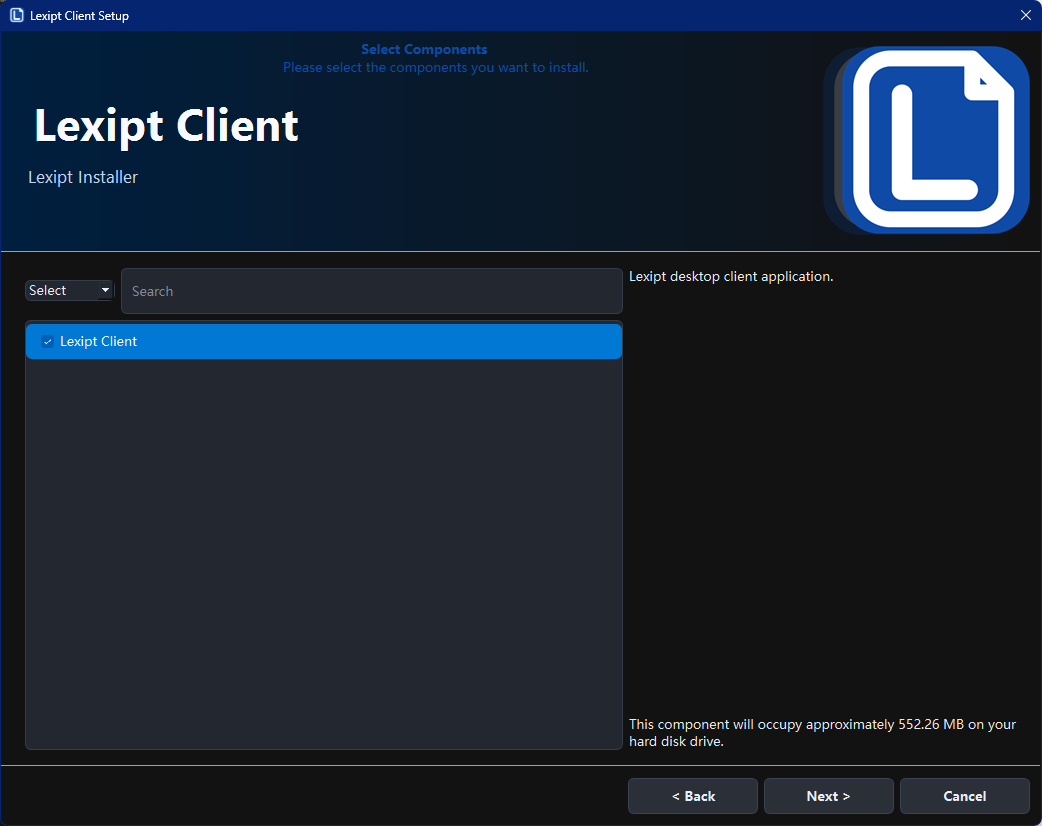
Temporary Questions (To Be Completed)
TODO
- Do we need separate enterprise installation instructions?
- Should proxy/firewall troubleshooting be documented here or in a dedicated ops page?
- What is the official minimum hardware recommendation?